
AI and Human Skill in Visualization: Why the Best Results Need Both

AI is changing the way visual content gets made. It is incredibly fast, useful for sparking early ideas, and great for exploring different directions before a project is fully defined, which is exciting, but still only part of the story.
As AI makes image creation easier, accuracy and judgment become the real differentiators. Fast visuals are becoming common, which makes trusted visuals more valuable.
That matters because visualization is not just about making something look good. In many projects, it is a decision tool that helps clients understand a product, approve a direction, align stakeholders, and feel confident moving forward.
When it comes to product visualization, space planning, furniture, materials, finishes, lighting, and client presentations, details matter. A chair cannot be “almost” the right shape. A finish cannot be “close enough.”
That is why the best results usually come from a hybrid approach. AI can accelerate exploration and iteration, but experienced visualization teams are still what make the final output accurate, intentional, and client-ready.
At KiSP, our Visualization team is not a render farm. We are here to add value, ask better questions, and help clients choose the right way to present their products, spaces, and ideas.
Using AI in KiSP Visualizations
KiSP has always been about what’s next. Whether it is new VR workflows, cloud-based presentation tools, or better ways to help clients explain complex ideas, we like exploring new tools and new ways of working.
AI is the latest addition to that toolkit, and when it is used well, it can be a real win for our clients’ budgets and timelines. It can help explore creative directions, create background environments, test different moods, and show products in more than one setting without starting from scratch every time.
But in our industry, product details still have to come first. That is where our expertise becomes an advantage. We help direct the process from the start, using our knowledge of products, materials, lighting, scale, and presentation strategy to guide the final visual toward something useful.
AI can help build the world around a product, while our team makes sure the product itself is accurate, polished, and ready for a real client conversation.
Product Details Are Not Optional
In visualization, small details can change the entire impression of an image. The curve of a chair, the texture of a fabric, the sheen of a finish, the colour of a surface, the way light hits a material, the spacing of a furniture layout, and the scale of a product within a room all affect how the final visual is understood.
The challenge with AI is that it can produce something impressive while quietly changing the details that matter most, leaving a product that looks close but is not quite right.
For early concepting, that may be fine. But when the visual is being used to sell, approve, or represent a real product, “close enough” can become a problem. The image has to hold up when someone looks closer, with a product that looks like the product, a finish that matches what is actually being offered, and a final scene that supports the real project instead of just looking impressive at first glance.
What to Watch for in AI Images
AI image tools can be powerful, but because they do not always carry the project context, product knowledge, or technical intent behind an image, they can make changes that seem small but matter a lot in a real project.
1. Uncanny Details
AI images can look impressive overall while still feeling slightly off. A room may look polished, but the details can feel strange when you look closer. Furniture proportions may be inconsistent. Reflections may not make sense. Materials may look too smooth, too glossy, or too generic.
These kinds of inconsistencies can happen even when you don’t ask for them.
2. Small Changes to Important Product Details
One area to watch closely is the product itself, because AI can sometimes alter the very thing you are trying to show. A chair might change shape, a table edge might shift, a fabric texture might become something else, or a finish might look warmer, cooler, darker, or more reflective than intended.
3. Losing Consistency Through Revisions
If you have ever tried to edit an AI image, you know the frustration. The first version may be close, but as you keep adjusting the scene, other details can start changing unexpectedly.
You may ask to change the background and see the product shift, or ask to add people and find that the layout becomes less accurate. The more you iterate, the more the image can become something you weren’t expecting.
Where AI Can Help Most
AI can be useful when it is used with a clear purpose. If a client wants to see how a product might feel in different settings, AI can help explore those options faster. A product could be shown in a workplace, education space, healthcare setting, or hospitality-style environment without building every scene from scratch.
That can open more presentation options within a budget, especially in the early stages when the goal is to explore direction, mood, and context.
AI can be especially useful for:
- Exploring early creative directions
- Creating or testing background environments
- Comparing different moods or settings
- Expanding presentation options within a budget
The value is in using AI to support the parts of the process where speed and variation help, while keeping expert control over the parts where accuracy matters most.
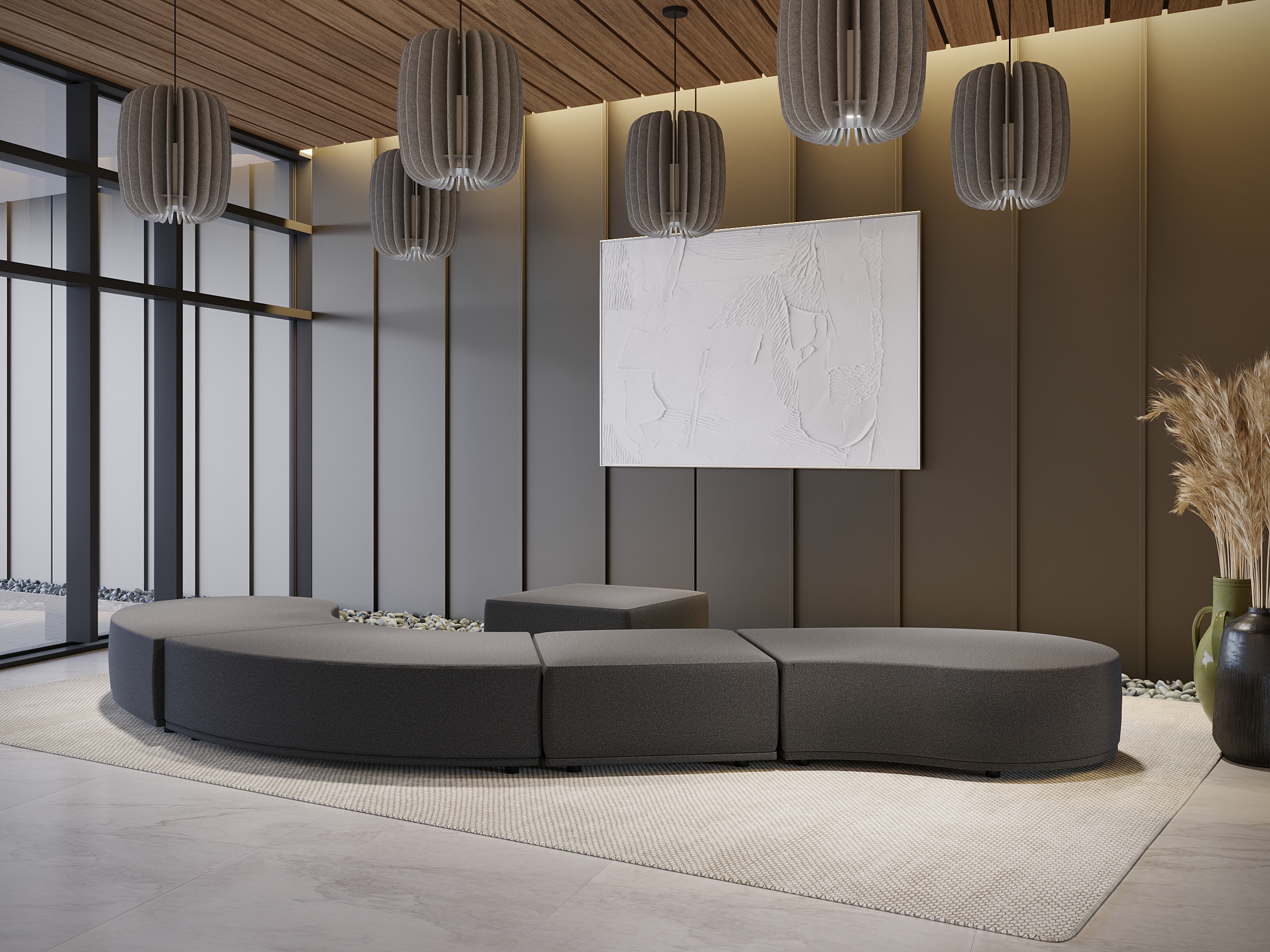
Visualization Is a Decision Tool
A strong visual does more than fill space in a presentation. It helps people understand what is being proposed, why it matters, and what they are being asked to approve.
That is especially important when there are multiple stakeholders involved. In those moments, the visual has a job to do. It needs to clarify the idea, support the sales conversation, represent the product accurately, and help people make a decision with more confidence.
That is where human expertise still leads. Our team asks the questions that shape the final result:
- What are you trying to communicate?
- Who needs to approve this?
- What level of detail matters?
- Is this image meant to inspire, explain, sell, or confirm?
- Would a rendering, animation, VR experience, or product visual tell the story best?
The KiSP Approach: Faster Where Possible, Accurate Where It Counts
Our approach is simple: use the right tools for the right parts of the project. If AI can help create an environment more efficiently, explore visual directions faster, or save clients time and money without compromising the final result, we are interested.
But when it comes to your product, your materials, your finishes, your lighting, your layout, and your client-facing presentation, accuracy still matters. Our role is to direct the process so the final visual reflects the real product, the real design intent, and the real story you need to tell.
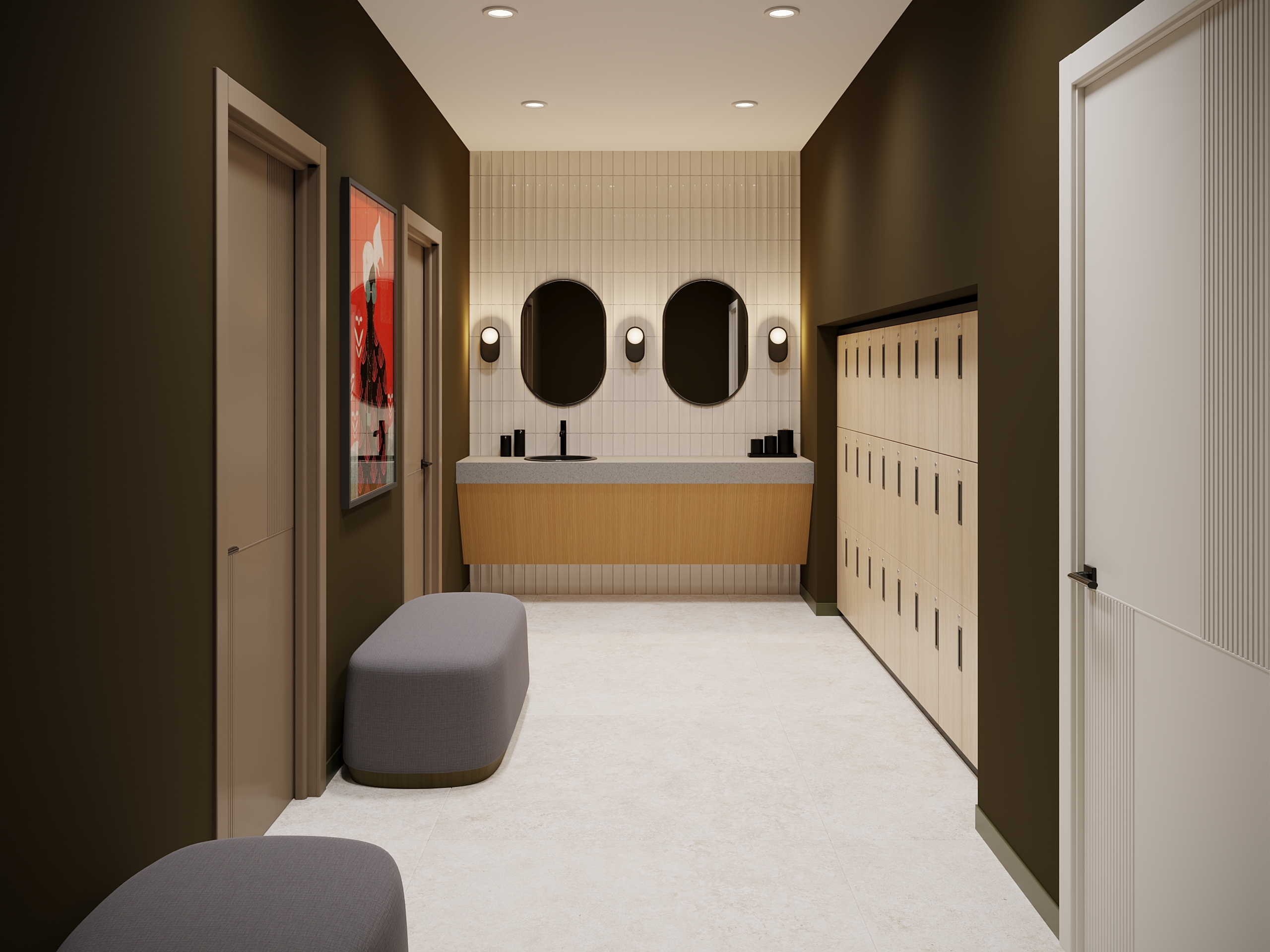
AI Is Changing Visualization. Expertise Still Makes It Useful.
AI will keep improving, and that is a good thing. The teams that get the most out of it will be the ones that know when to use it, when to guide it, and when to step in with real visualization experience.
That is exactly how we are approaching the future of visualization at KiSP. AI can help us move faster, explore more options, and find efficient ways to support a project, while our team makes sure the final visual still holds up with accurate products, thoughtful lighting, the right level of detail, and a clear purpose behind the image.
Because at the end of the day, the goal is not just to make something look impressive. It is to create a visual that helps someone understand the product, believe in the space, and feel ready to move forward.