
KITS vs. CAD Tools: Aligning Your Sales and Design Workflows for Speed and Precision
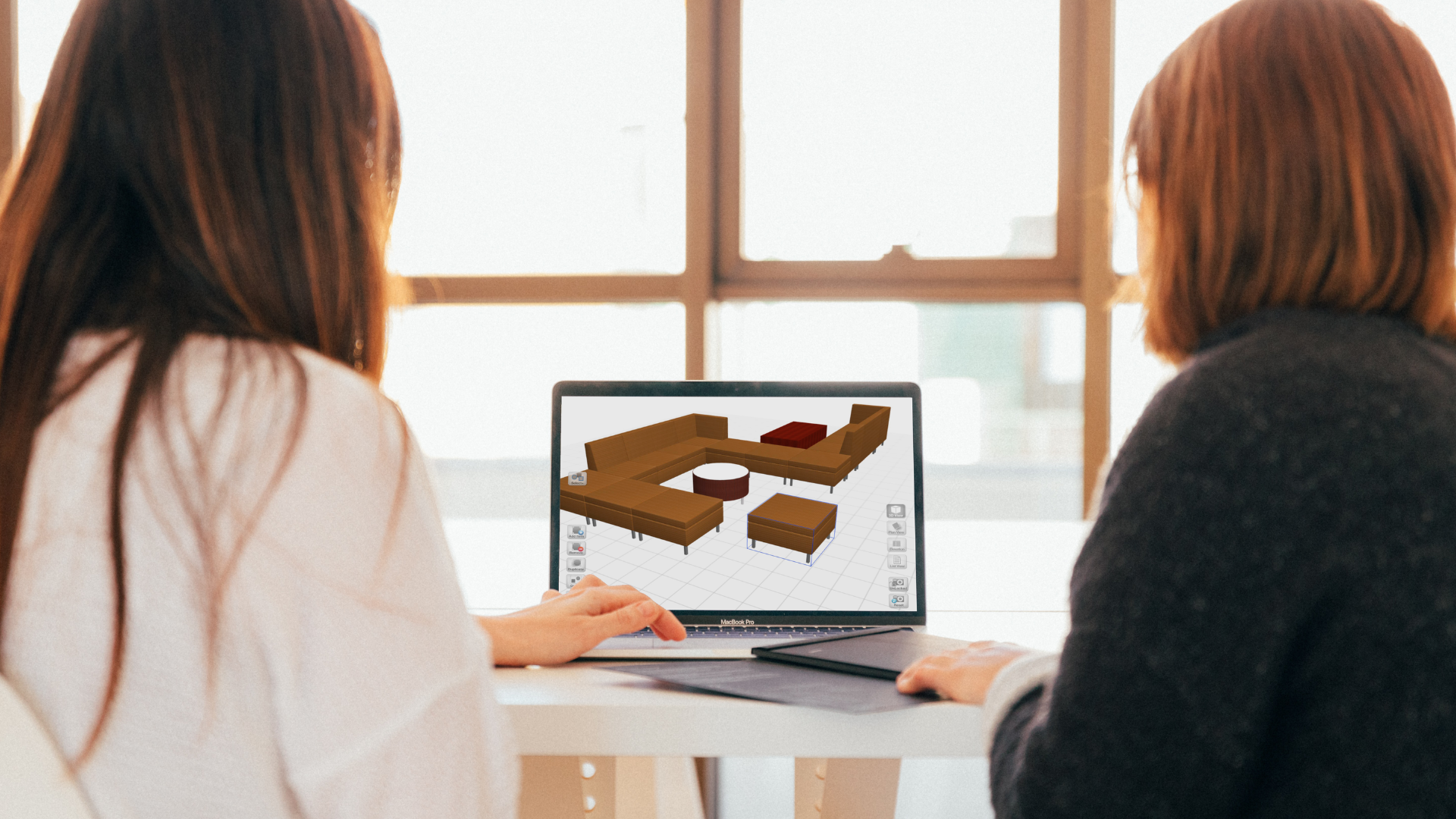
For many commercial furniture dealerships, discussions about design and specification software often stall at a false dilemma: Should we use KITS or CAD tools?
KITS vs CAD tools: Viewing these platforms as direct competitors misses the reality of how modern furniture sales actually happen. The KITS collaborator and CAD tools like CET, SketchUp and others aren’t competing for the same task—they are built to excel at completely different stages of the sales cycle.
Understanding how these platforms complement one another creates a more cohesive, high-speed workflow that turns quick visual ideas into validated orders.
The First Mile vs. The Final Mile
To see where each tool shines, look at the project timeline from initial conversation to final order entry.
-
The First Mile: Exploration and Inspiration with KITS
The “first mile” of the sale happens long before detailed architectural drawings exist. It occurs during initial client meetings, site visits, or discovery calls, where the primary objective is establishing a shared vision and building momentum.
- Speed Over Precision: Early in the conversation, clients don’t need a validated bill of materials down to the last power harness—they need to visualize possibilities, understand spatial proportions, and react to aesthetics.
- In-Person & On-the-Go Flexibility: KITS is designed for rapid, mobile interaction (including on iPads). Sales representatives and account managers can configure furniture, apply finishes, and place items in photorealistic environments directly in front of the client.
- Frictionless Decision Making: By generating quick high-rendering visual ideas instantly, KITS reduces decision friction and shortens the initial pitch cycle.
-
The Final Mile: Validation and Precision with CAD Design Tools
Once the scope, budget, and overall vision are established, the project moves to the “final mile”—where precision, technical accuracy, and error-free specification are non-negotiable.
- Engineering-Grade Specification: CAD tools like CET Designer and similar space-planning tools serve as the backbone for design teams and specifiers. They handle complex rule-based layout logic, electrical feeds, architectural alignments, and precise CAD/BIM outputs.
- Order-Ready Outputs: CAD tools validate that the configuration is buildable, ensuring all necessary components, connectors, and finishes are correctly specified for factory order placement.
- Technical Rigor: While powerful, this level of technical detail requires time, specialized training, and rigid data structure—making it less suited for quick, live client discovery sessions.
Workflow Alignment, Not Software Competition
When dealerships position KITS against CAD tools as an “either/or” choice, they create friction in their process:
- Expecting designers using CAD tools to attend early discovery calls to quickly mock up dynamic ideas slows down initial client responses.
- Expecting sales reps using KITS to produce fully validated, order-ready architectural spec sheets risks technical errors.
By connecting these tools into a unified workflow, dealerships win on two fronts:
- Sales teams move faster: Account representatives capture client interest and close the conceptual sale early using KITS, without waiting days for design turnaround.
- Design teams work efficiently: Designers receive pre-qualified, client-approved visual scopes, allowing them to focus their CAD expertise on space planning, complex engineering, and precise specification validation.
Accelerating the Entire Project Lifecycle
Winning projects today requires both speed and precision. KITS captures the initial spark, builds client confidence, and secures alignment in the first mile. CAD tools secure the technical details, ensure accuracy, and validate the order in the final mile.
When both tools work together, your dealership creates a faster, more collaborative experience for your team and your clients alike.