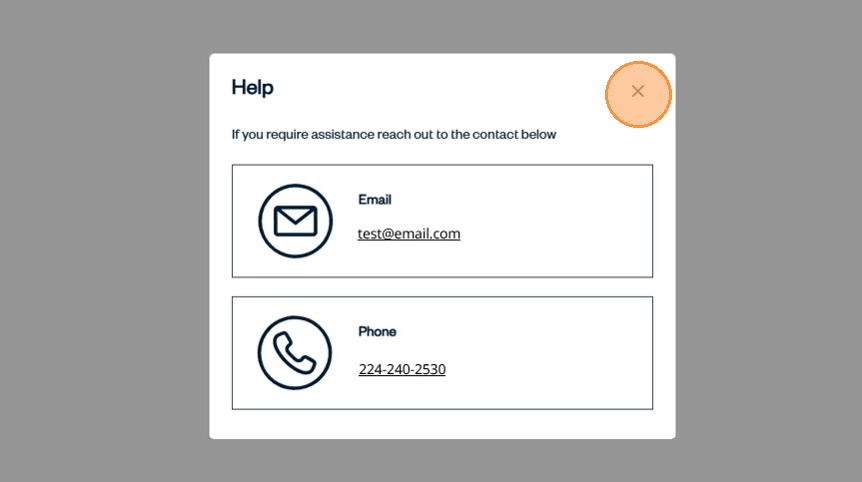
How to Access Help in SnapTracker
The Help screen provides an email and phone number you can use to get additional assistance about SnapTracker at any time. The appropriate support email and phone number are accessible globally to provide you with assistance.
Before starting, ensure you are logged in to the SnapTracker site.
This post outlines how to access Help using SnapTracker.
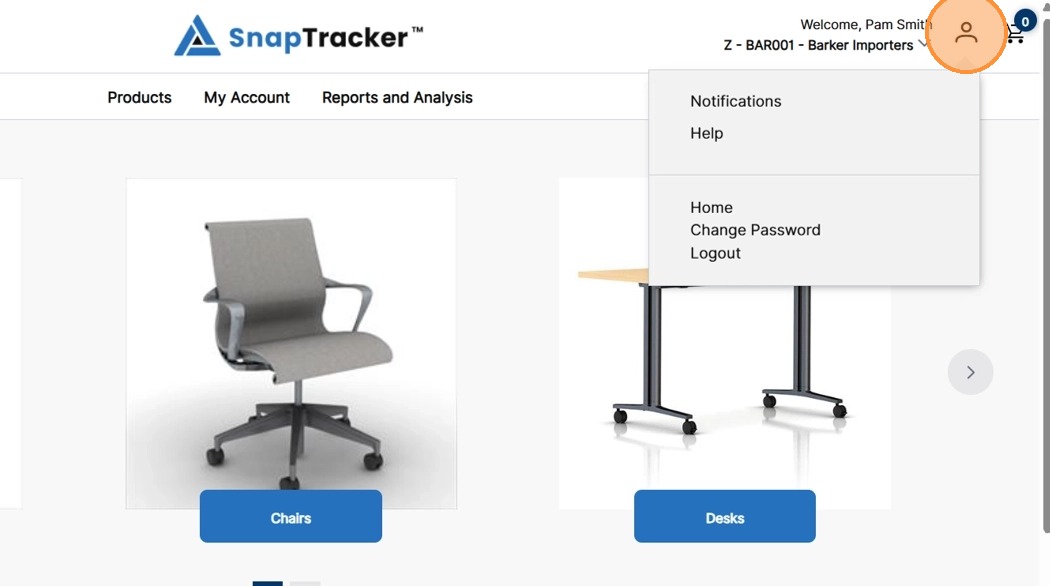
1. In the header section, click the Profile icon.
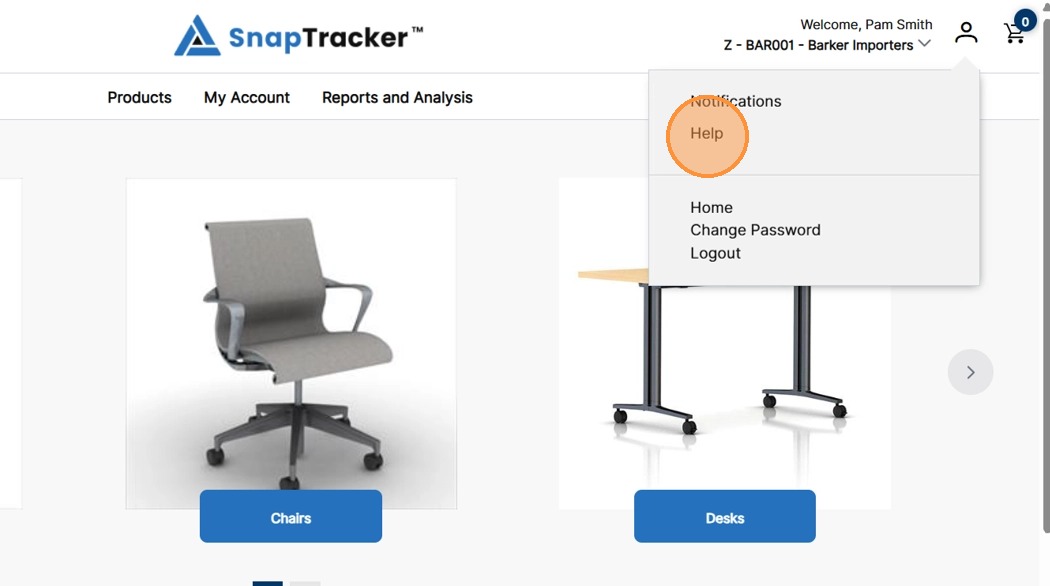
The User Profile dropdown menu displays.
2. Click Help.
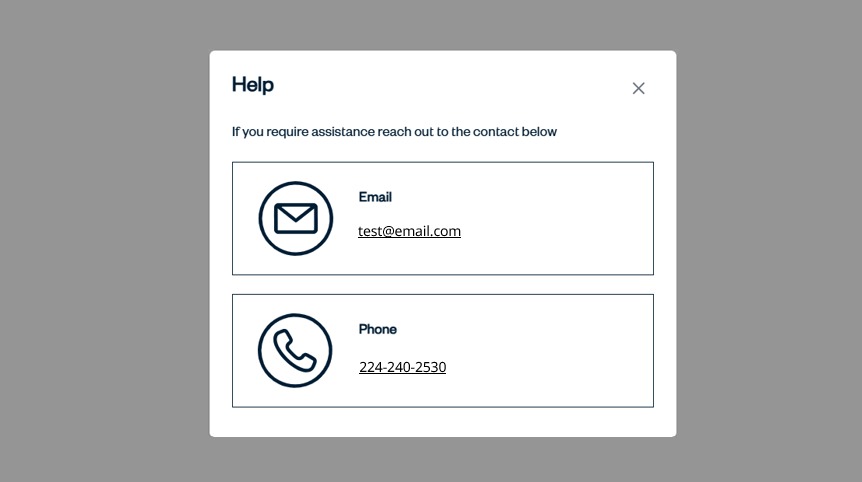
The Help pop-up displays.
A phone number and/or email address is listed that can be used to contact your SnapTracker Administrator for additional assistance.
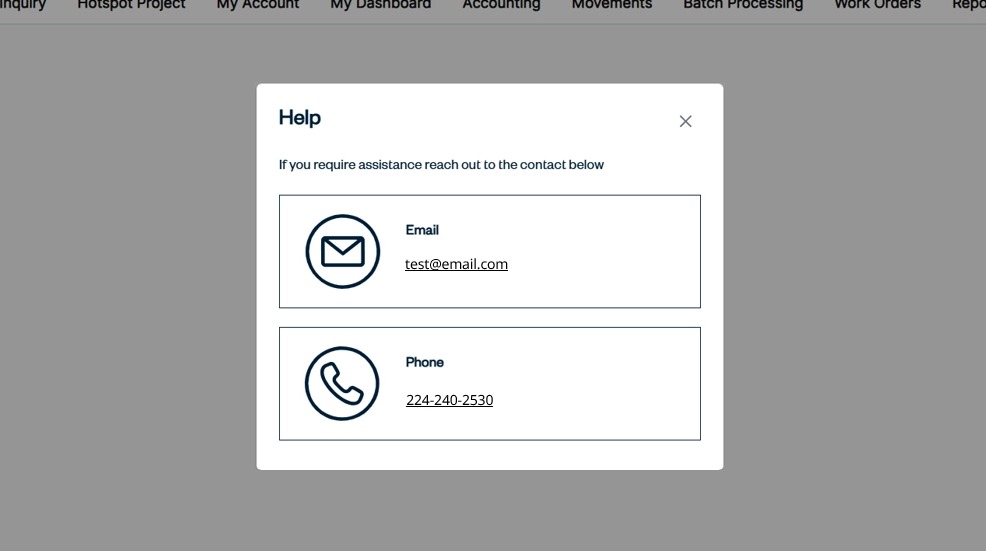
3. To send an email, click the email address.
To call the support number, click the number listed.
4. Click X to close the Help pop-up.